
CADCraft
CAD & technical draftingComputer-aided design and drafting, reimagined in pure Rust.
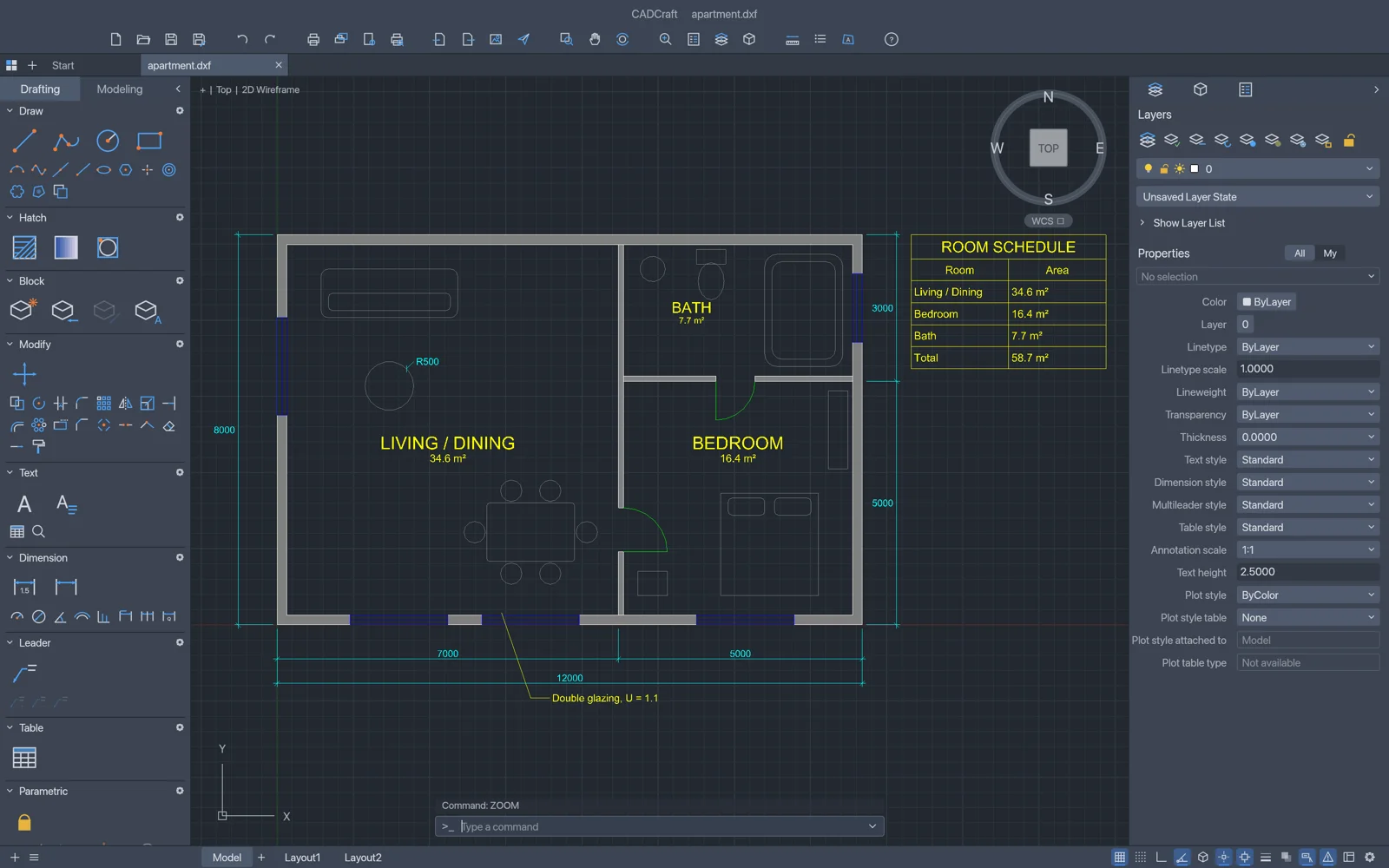
About CADCraft
The command line, object snaps, layers, dimensions, hatches, blocks and drawings you already know. Fast, native, and built for both people and AI agents.
Key Features
Type commands, click points, direct distance entry, object snaps, polar tracking, ortho, grips, and right-click-to-repeat.
Reads and writes DXF (ASCII and binary, R12â2018), opens DWG (R13â2018), and exports to PDF, SVG, and PNG.
Layout sheets with floating viewports, per-viewport layer overrides, page setups, and scale-exact plotting.
Linear, aligned, angular and radial dimensions that follow geometry, multileaders, tables, and custom drafting fonts.
Geometric and dimensional constraints with expression parameters that automatically re-solve as you edit.
Your Files Stay on Your Device
Zero File Uploads
Proprietary engineering and architectural schematics never leave your machine. All processing is computed in your browser using local device memory.
Saving & Exporting
Save your drawings via File → Export DXF or print to scale PDF. Work buffers stay in browser localStorage and are exported directly to your computer.