FigCraft
UI / UX interface designInterface design, rebuilt in pure Rust.
About FigCraft
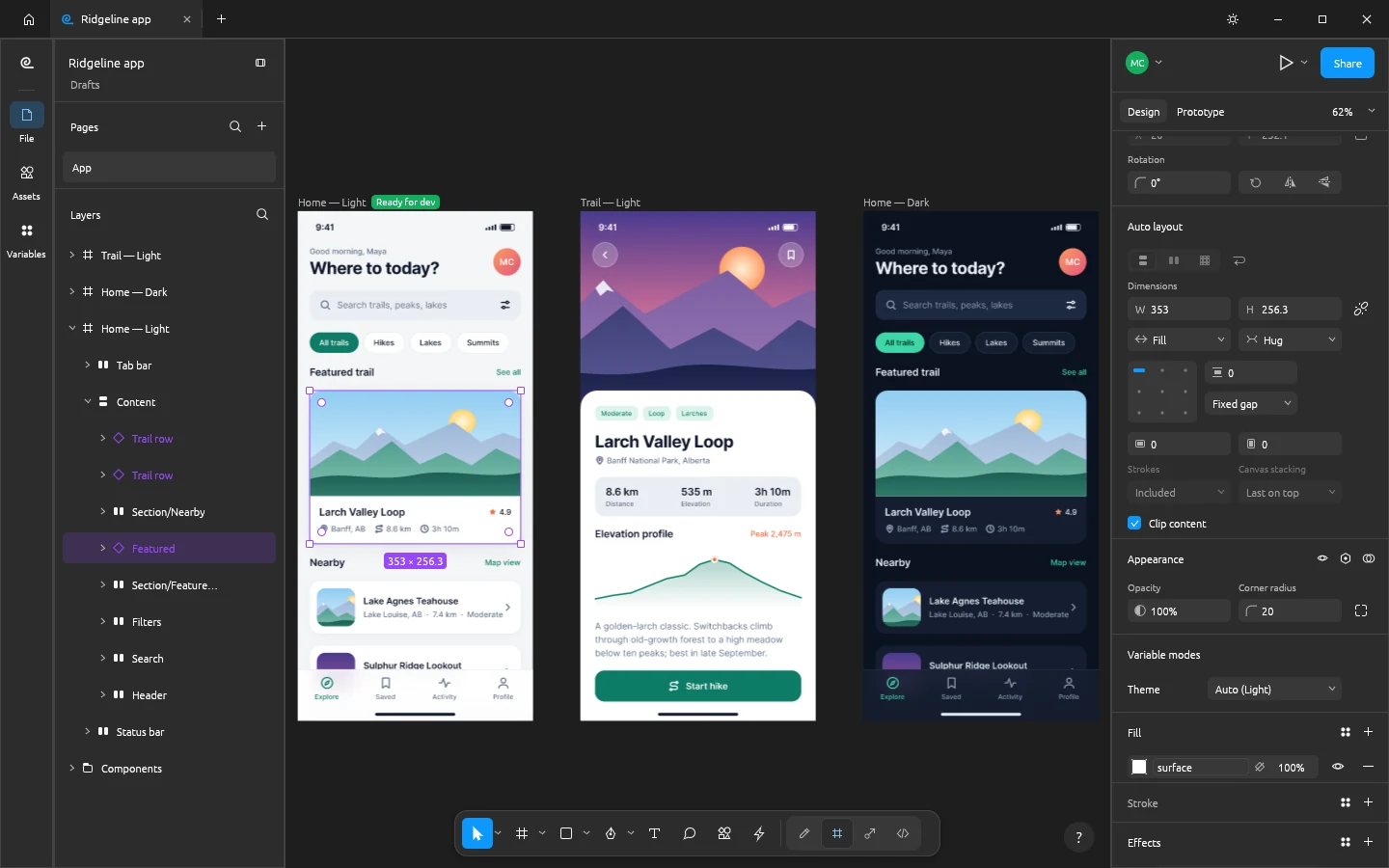
Frames, auto layout, components and variants, vector networks, styles, variables and prototypes in a native app that opens instantly and works offline. No account, no telemetry, no subscription.
Key Features
The toolbar, layers panel, Design panel, menus and shortcuts sit where your hands expect them. Productive on day one, no retraining.
Auto layout in both directions with wrap and grid, padding, gaps and Hug, Fill and Fixed sizing, plus constraints and layout grids for everything else.
Instances with overrides that survive edits, component sets with variants and properties, and styles and variables with modes for light and dark.
Pen and pencil, a shape builder, booleans whose operands stay editable, variable-width strokes and smooth corners.
Every menu item, tool and gesture runs one of 400+ commands, so the CLI, a JSON control channel and an MCP server can do anything you can click.
Your Files Stay on Your Device
Zero File Uploads
Private UI development: No design assets are stored on external servers. All processing is computed in your browser using local device memory.
Saving & Exporting
Export production code tokens or download your .figcraft workspace. Work buffers stay in browser localStorage and are exported directly to your computer.